 Enquiry received
 Owner assigned
 Follow-up recorded
 Status visible
DESIGN
Agree what needs to change.
Clarify how work should happen and agree the system and data requirements. Define responsibilities and a phased implementation plan.
Explore DESIGN
Revenue Engineering for Malaysian business leaders
Nebworx connects the systems, data and workflows behind sales, customer service and operations. We help define the change, implement the solution and support it as the business grows.
Tell us what is getting in the way. Start with the problem you can already see.
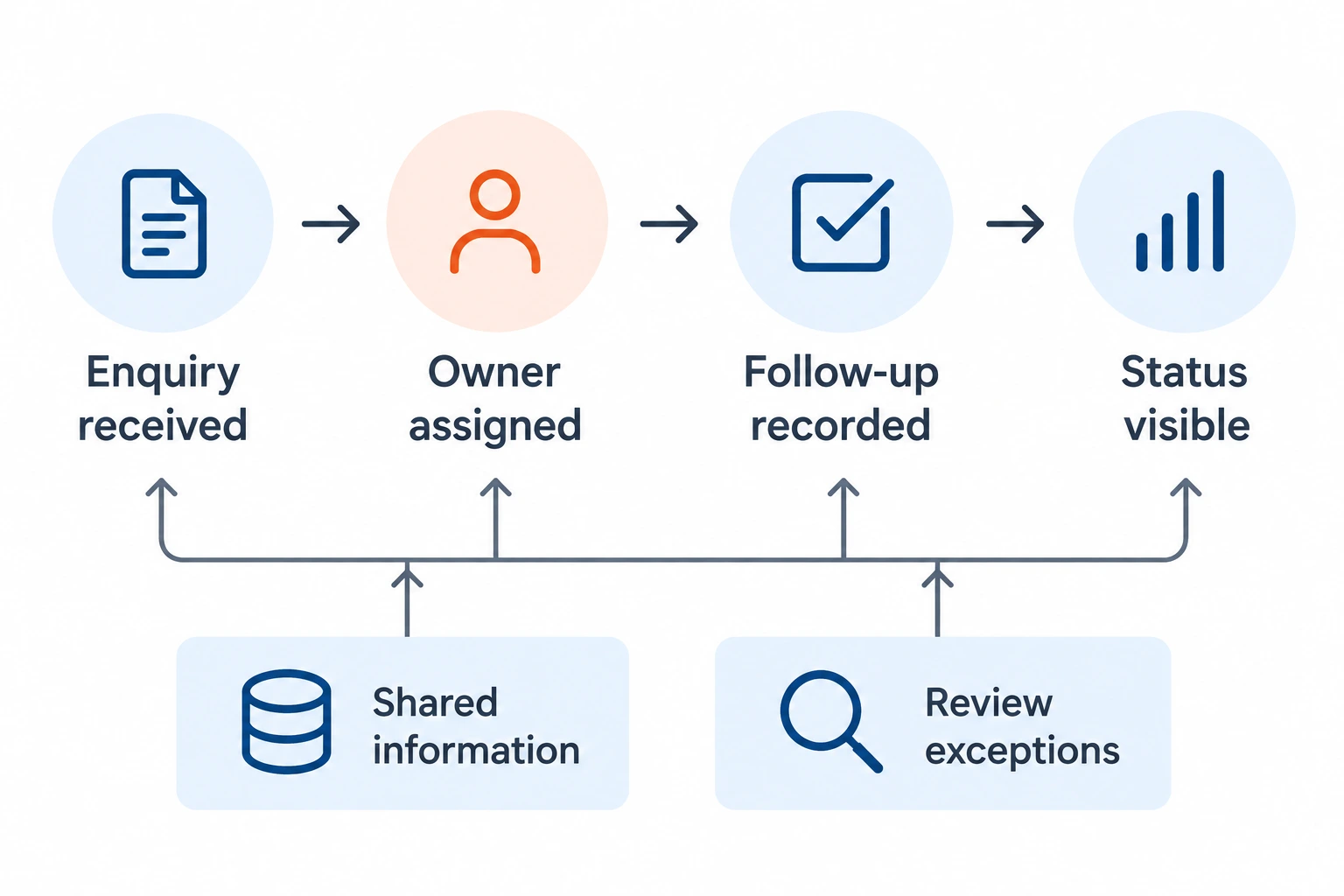
Shared information supports each handoff. Exception review helps the team see what needs attention.
As a business grows, work can become harder to follow across people, spreadsheets and systems.
Enquiries move between people without a clear owner or next action.
Teams compare spreadsheets before they can agree what is happening.
Details are entered more than once, and context is lost between systems.
Progress depends on asking people because ownership and status are not visible.
Revenue Engineering is how we connect the work, data, technology and ownership behind revenue and customer operations.
The starting point depends on your situation. Existing designs and live systems can be assessed before the appropriate BUILD or GOVERN scope is agreed.
Agree what needs to change.
Clarify how work should happen and agree the system and data requirements. Define responsibilities and a phased implementation plan.
Explore DESIGNPut the agreed plan into practice.
Configure and connect customer systems, then prepare or migrate the required data. Add reporting or automation where the process is clear.
Explore BUILDKeep the system reliable.
Review workflows, data quality and reporting. Agree priorities that keep the system reliable as teams and conditions change.
Explore GOVERNTell us what is not working, what change is being considered, or what needs to stay reliable after go-live.